How to Play Shape Measurement Tool
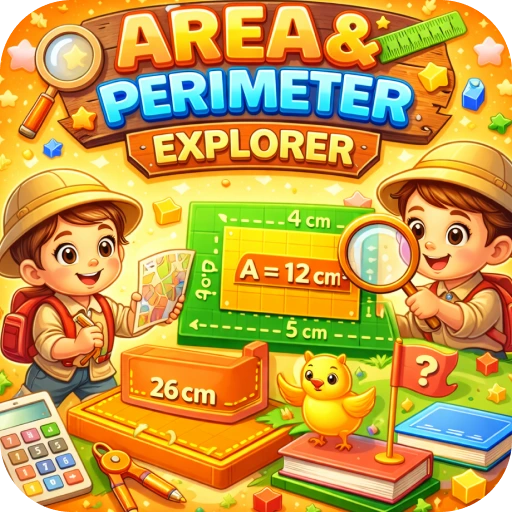
Drag coloured blocks onto the grid to make a shape. The area and perimeter are calculated for you. Toggle the totals off to practise working them out yourself.
Play Shape Measurement Tool nowArea Perimeter Explorer lets kids build shapes from blocks and see their area and perimeter instantly.
What is Shape Measurement Tool?
Drag coloured blocks onto the grid to make a shape. The area and perimeter are calculated for you. Toggle the totals off to practise working them out yourself.
How to play Shape Measurement Tool
Drag blocks onto the grid. Use toggles to hide totals.
Step by step
- Drag blocks onto the grid.
- Build a shape.
- Read the area and perimeter.
- Hide the totals.
- Calculate them yourself and check.
Strategy tips to play better
- Area counts squares inside; perimeter counts edges around.
- Shapes with the same area can have different perimeters.
- Long thin shapes have bigger perimeters.
What kids learn
- Area
- Perimeter
- Geometry
- Reasoning
For parents and teachers
Helpful for grades 3 to 5, where area and perimeter often get mixed up.
- ✅ Free to play
- 🕹️ No downloads or installs
- 📱 Works on mobile and desktop
- 🔒 No login or registration
- 🎮 Fast loading and smooth gameplay
Tips & Tricks
Beginner
Build a square and check its numbers.
Pro
Find the shape with area 12 and the smallest perimeter.
🚀 Get Started Now: Challenge yourself and discover how fun and educational gaming can be! Play now
Educational Importance
Building shapes makes the difference between area and perimeter clear.
Practical Applications
Ways to use it:
| Use Case | Description |
|---|---|
| Lessons | Model shapes. |
| Challenges | Same area, different perimeter. |
| Practice | Hide totals and calculate. |
Similar Games
Discover More Games
Let's Play!
🚀 Get Started Now: Challenge yourself and discover how fun and educational gaming can be!
▶ Play Now