How to Play Arithmetic Tool
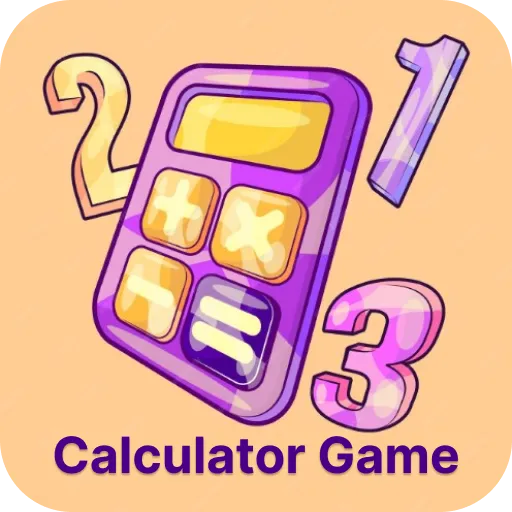
Type a problem using the number buttons and the +, -, x and ÷ keys, then press equals. The colours help kids find the operation they need. It is useful for checking work and for exploring bigger problems without…
Play Arithmetic Tool nowThis is a simple online calculator made for young learners, with colour-coded buttons for the four operations.
What is Arithmetic Tool?
Type a problem using the number buttons and the +, -, x and ÷ keys, then press equals. The colours help kids find the operation they need. It is useful for checking work and for exploring bigger problems without getting stuck on arithmetic.
How to play Arithmetic Tool
Click or tap the buttons, or use your keyboard.
Step by step
- Enter the first number.
- Pick an operation.
- Enter the second number.
- Press equals.
- Compare the result with your own answer.
Strategy tips to play better
- Estimate first, then check if the calculator answer is close.
- Clear the screen between problems.
- Use it to check work, not to replace thinking.
What kids learn
- Operations
- Estimation
- Checking work
For parents and teachers
A clean, free calculator with no ads in the tool itself, good for primary-aged kids learning to use one.
- ✅ Free to play
- 🕹️ No downloads or installs
- 📱 Works on mobile and desktop
- 🔒 No login or registration
- 🎮 Fast loading and smooth gameplay
Tips & Tricks
Beginner
Use it to check addition you did on paper.
Pro
Predict the answer before pressing equals.
🚀 Get Started Now: Challenge yourself and discover how fun and educational gaming can be! Play now
Educational Importance
Learning when and how to use a calculator, and checking answers by estimating, are both useful maths habits.
Practical Applications
Ways to use it:
| Use Case | Description |
|---|---|
| Self checking | Kids check their own worksheets. |
| Big numbers | Explore problems beyond mental maths. |
| Estimation | Guess first, then check. |
Similar Games
Discover More Games
Let's Play!
🚀 Get Started Now: Challenge yourself and discover how fun and educational gaming can be!
▶ Play Now