How to Play Axis Grid
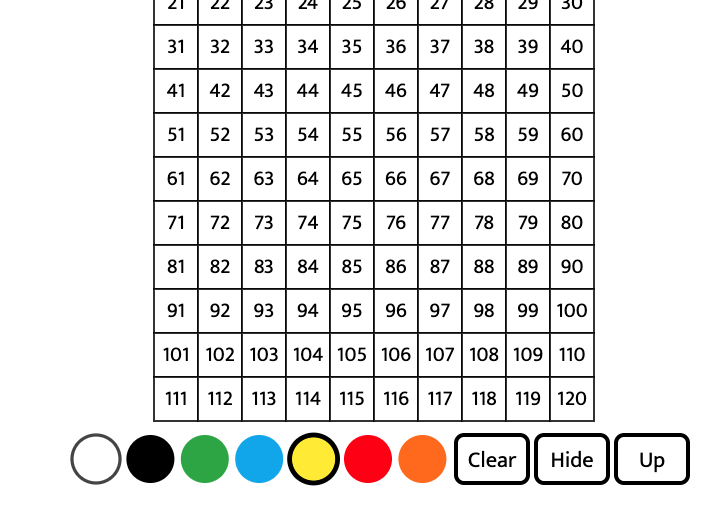
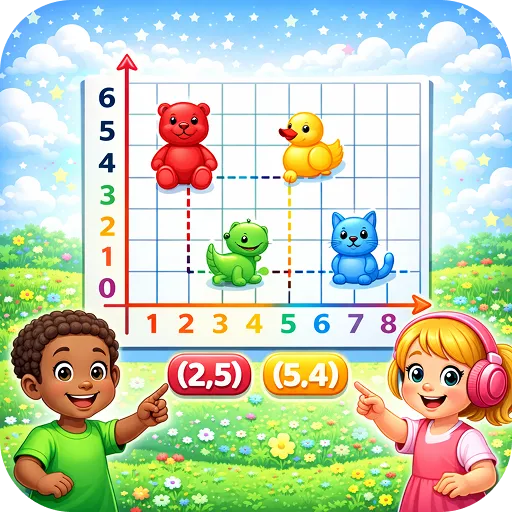
Click an intersection to plot a point, or click and drag for line segments. Pick colours and choose units for the x and y axes.
Play Axis Grid nowThe Coordinate Graph tool lets you plot points and draw line segments.
What is Axis Grid?
Click an intersection to plot a point, or click and drag for line segments. Pick colours and choose units for the x and y axes.
How to play Axis Grid
Click to plot. Drag to draw segments. Choose colours and units.
Step by step
- Pick units for the axes.
- Click to plot a point.
- Read its coordinates.
- Drag to draw a segment.
- Make a shape.
Strategy tips to play better
- x first, then y: 'along the corridor, up the stairs'.
- Use colours for different shapes.
- Check points by reading them back.
What kids learn
- Coordinates
- Graphing
- Geometry
For parents and teachers
Useful for grades 4 to 8.
- ✅ Free to play
- 🕹️ No downloads or installs
- 📱 Works on mobile and desktop
- 🔒 No login or registration
- 🎮 Fast loading and smooth gameplay
Tips & Tricks
Beginner
Plot points in the first quadrant.
Pro
Draw shapes and find their coordinates.
🚀 Get Started Now: Challenge yourself and discover how fun and educational gaming can be! Play now
Educational Importance
Coordinates link numbers and geometry.
Practical Applications
Ways to use it:
| Use Case | Description |
|---|---|
| Plotting | Practise points. |
| Shapes | Draw polygons. |
| Data | Plot pairs. |
Similar Games
Discover More Games
Let's Play!
🚀 Get Started Now: Challenge yourself and discover how fun and educational gaming can be!
▶ Play Now