How to Play Letter Blocks
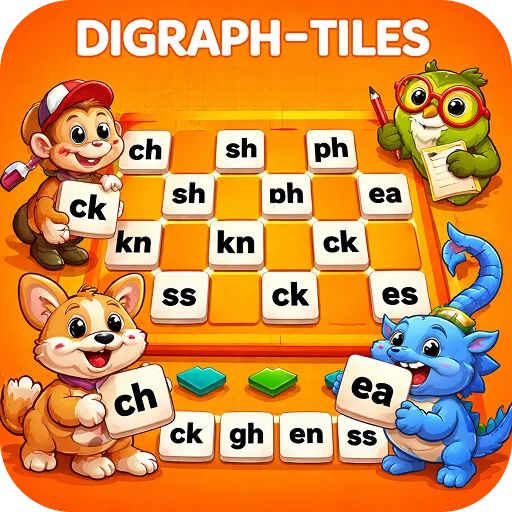
Drag uppercase or lowercase letters onto the grid where they snap into place. Use the pencil to add notes, erase them, or clear the board with the trashcan.
Play Letter Blocks nowAlphabet Tiles lets kids practise spelling by dragging letter tiles onto a grid instead of writing.
What is Letter Blocks?
Drag uppercase or lowercase letters onto the grid where they snap into place. Use the pencil to add notes, erase them, or clear the board with the trashcan.
How to play Letter Blocks
Drag letters onto the grid. Use the pencil, eraser and trashcan tools.
Step by step
- Pick a letter tile.
- Drag it onto the grid.
- Build a word or sentence.
- Add notes with the pencil.
- Clear and start a new one.
Strategy tips to play better
- Use capitals at the start of sentences.
- Sort tiles into upper and lower case.
- Build a word, then a sentence using it.
What kids learn
- Spelling
- Upper and lowercase
- Sentence structure
For parents and teachers
Helpful for kids who find handwriting tiring; the focus stays on spelling.
- ✅ Free to play
- 🕹️ No downloads or installs
- 📱 Works on mobile and desktop
- 🔒 No login or registration
- 🎮 Fast loading and smooth gameplay
Tips & Tricks
Beginner
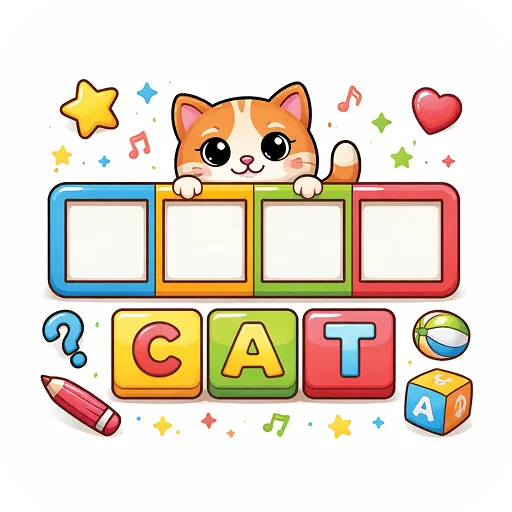
Build short words like cat or dog.
Pro
Build a full sentence with correct capitals.
🚀 Get Started Now: Challenge yourself and discover how fun and educational gaming can be! Play now
Educational Importance
Separating spelling from handwriting lets children practise one skill at a time.
Practical Applications
Ways to use it:
| Use Case | Description |
|---|---|
| Spelling words | Weekly lists. |
| Capital letters | Sentence starts and names. |
| Sentences | Build and read them. |
Similar Games
Discover More Games
Let's Play!
🚀 Get Started Now: Challenge yourself and discover how fun and educational gaming can be!
▶ Play Now